How to Make the WywMySweetie / Come Back and Back AI Dance
One photo → WywMySweetie jersey-club dance on RemixMeme: toe bounces, shrugs, knee pops to the “my sweet, where you at” hook energy. ~15s 9:16.
 RemixMeme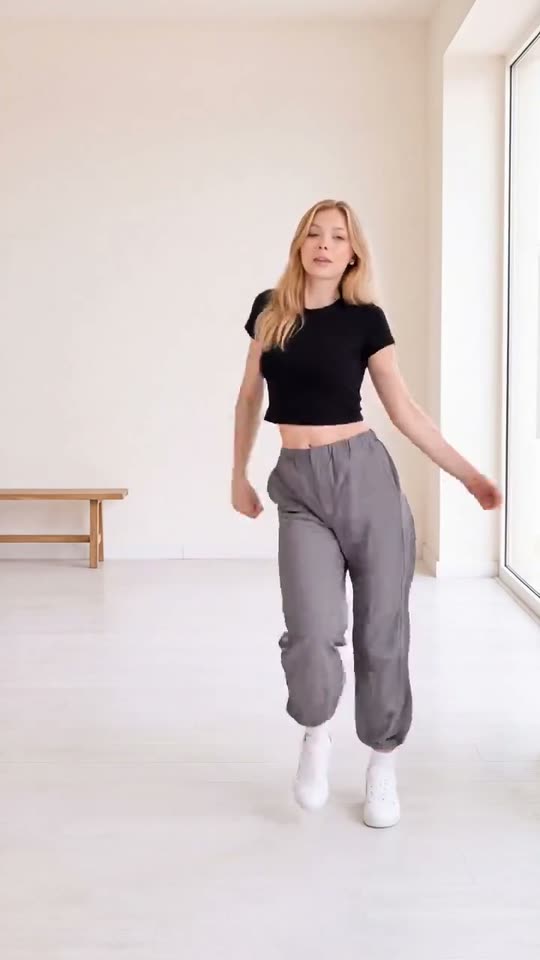
WywMySweetie is the jersey-club TikTok dance that took over in autumn: light toe bounces, shrugs, knee pops, and a hand through the hair on the “my sweet, where you at… come back and back” hook energy.
RemixMeme maps your face onto the locked choreography so you get a shareable vertical clip without filming the footwork yourself.
Template: WywMySweetie Dance AI.
Before you start
- One clear adult photo (waist-up or full body preferred)
- Good light on the face and arms
- 18+ and rights-cleared uploads only
How to make it
- Open WywMySweetie Dance AI.
- Upload one JPG / PNG / WEBP.
- Confirm consent, create, wait for the ~15s 9:16 MP4.
- Download and post. Extra credits apply on retries.
Plans: see /pricing. Failed renders refund credits.
Photo tips for this dance
- Show shoulders — shrugs and arm lines matter.
- Avoid chin-only crops; the model needs torso for bounce.
- Plain backgrounds keep motion readable.
Related dance templates
- Gangnam Style Dance AI
- Firestarter Dance AI Trend
- No Guidance Dance AI Trend
- Full hub: AI dance templates
FAQ
Does the clip use the original song?
Treat audio as template/model output. When you post, you can layer a platform sound if the app allows — follow each network’s music rules and AI labels.
Is RemixMeme affiliated with the track or dancer?
No. Independent fan-oriented tool only.
More tips: photo tips for AI meme videos · best dance templates roundup.