1 Foto. Ein Babydoll Dance AI-Video.
AboWatermark-free MP4 · Ready for TikTok/Reels · $4.99 for the first week, then $12.99/week · cancel anytime
1 Foto. Ein Babydoll Dance AI-Video.
Eingabe: 1 Foto (JPG / PNG / WEBP, ≤9 MB, klares Erwachsenengesicht). Ausgabe: ~15s 9:16 MP4 für TikTok/Reels (ohne Wasserzeichen · Ready for TikTok/Reels · 500 Credits). Preis: $4.99 für die erste Woche, danach $12.99/Woche · jederzeit kündbar — kein gratis Unlimited; neue Konten 20 Credits ≈ 2 Bilder (Video braucht trotzdem Plan). Bedingungen: 18+, Fotorrechte, Consent-Checkbox, Stripe. Keine App.
- 1 photo
- ~15s
- 9:16
- Ready for TikTok/Reels
- $4.99 for the first week, then $12.99/week · cancel anytime
Eingabe: 1 Foto (JPG / PNG / WEBP, ≤9 MB, klares Erwachsenengesicht). Ausgabe: ~15s 9:16 MP4 für TikTok/Reels (ohne Wasserzeichen · Ready for TikTok/Reels · 500 Credits). Preis: $4.99 für die erste Woche, danach $12.99/Woche · jederzeit kündbar — kein gratis Unlimited; neue Konten 20 Credits ≈ 2 Bilder (Video braucht trotzdem Plan). Bedingungen: 18+, Fotorrechte, Consent-Checkbox, Stripe. Keine App.
- 1 photo
- ~15s
- 9:16
- Ready for TikTok/Reels
- $4.99 for the first week, then $12.99/week · cancel anytime
Beispiel mit dieser Vorlage
Beispiel mit dieser Vorlage
 Sample input
Before
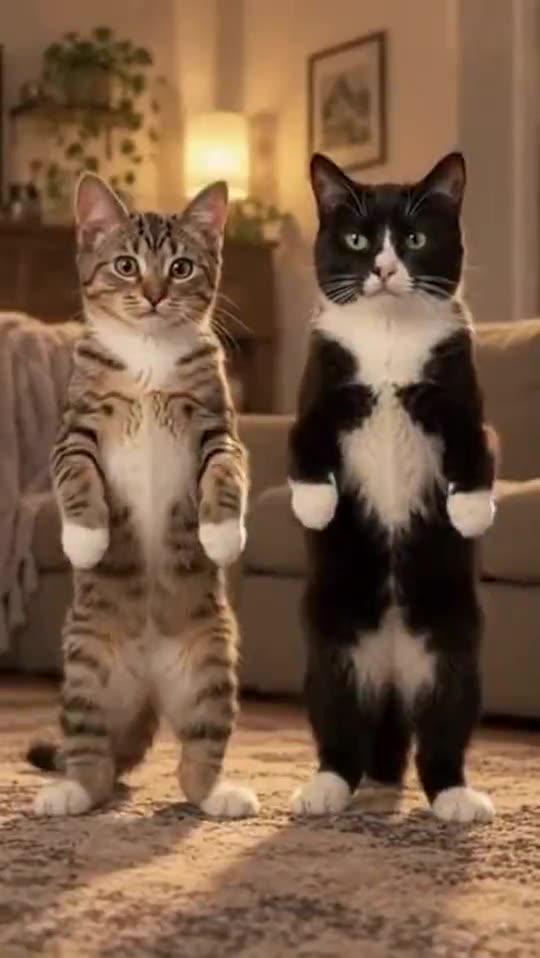 After
AfterAfter · sample
Comparison: left = upload slot; right = catalog demo poster/result (no fake screenshots). Paid jobs use your uploaded photo(s). Adults 18+ · photo rights · independent fan tool, non-official.
- 011
- 022
- 033
More examples of this template · 2
Curated examples of this look. Tap “Make this look” to create with this template.
- After · sample
Babydoll Dance AI: Do the Viral Jamie Miller Dance From One Photo · 1
Example 1 · same template
- After · sample
Babydoll Dance AI: Do the Viral Jamie Miller Dance From One Photo · 2
Example 2 · same template
What this template does
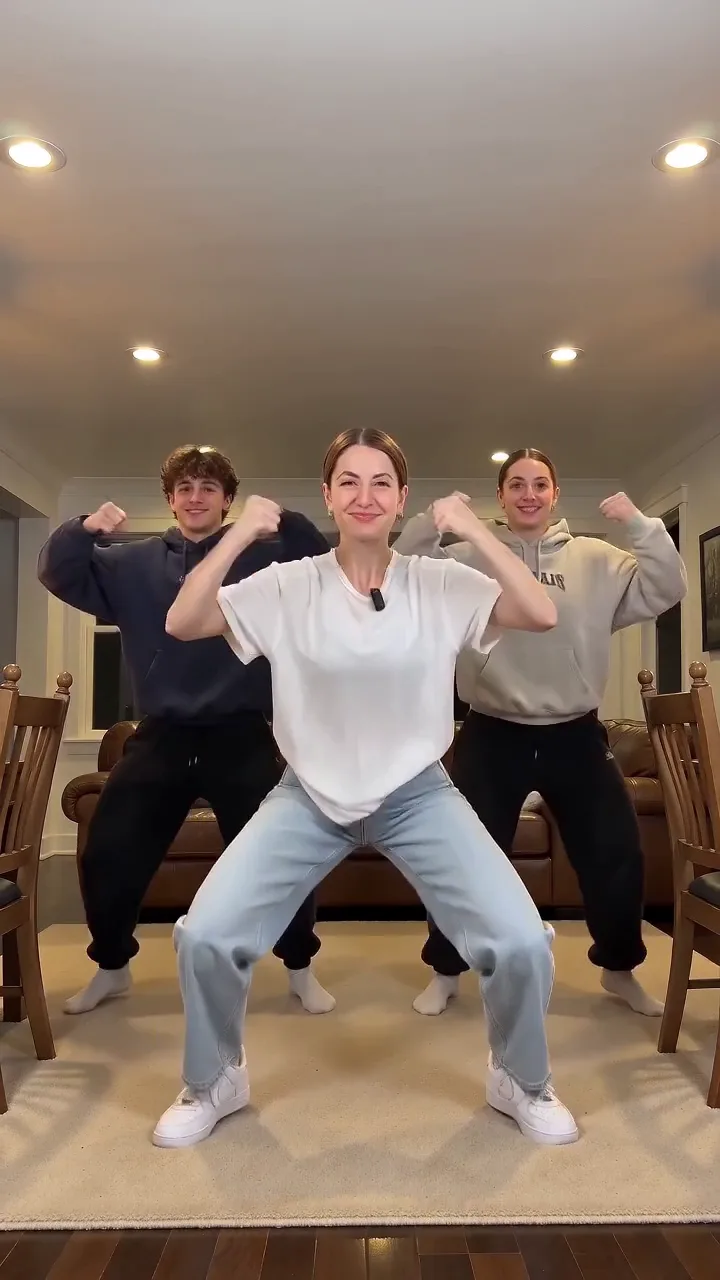
The Babydoll dance is the bouncy two-step that took over TikTok in autumn 2026 to Jamie Miller's song "Babydoll": chugs forward, arm circles, steps out and big arm moves, done with
What is the Babydoll Dance AI trend, and where did it start?
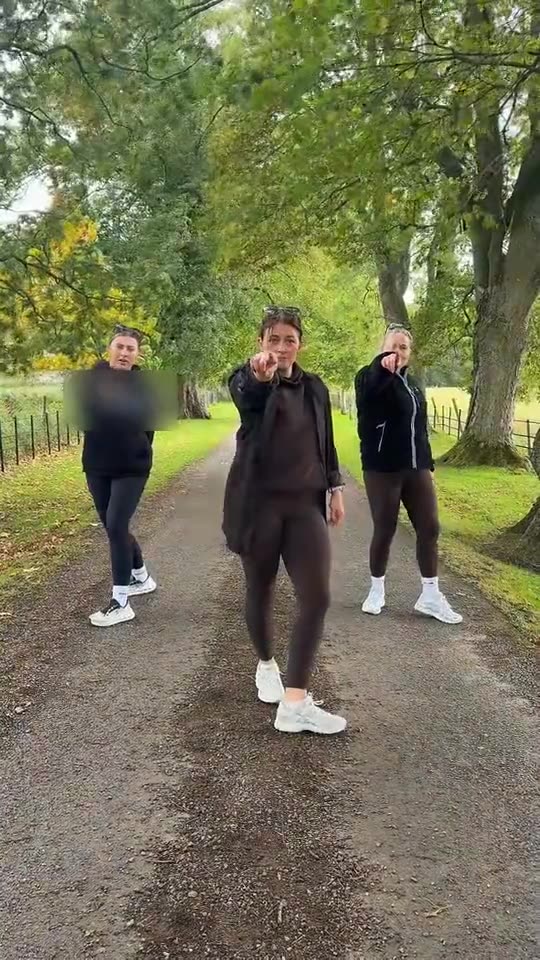
Singer Jamie Miller put out "Babydoll" in August 2026. On 16 August he posted a clip of himself and two friends in black suits and sunglasses doing a bouncy two-step in the street, captioned "Had to hit the babydoll two step".
Babydoll Dance AI trend timeline
- Sommer 2026Jamie Miller posts the first Babydoll clip, three people in black suits and sunglasses doing the two-step in the street, captioned "Had to hit the babydoll two step"; it has 6.5 million views by 15 October.
- Sommer 2026Dance teacher Xito Rico, who says he helped Jamie Miller make the "baby doll challenge", posts a 60-second tutorial of the routine (47,300 views by 15 October).
- Herbst 2026A beginner Babydoll dance tutorial by @beginnerdancetutorials goes up and passes 2.4 million views by 15 October.
- Herbst 2026A new version of "Babydoll" with actor Antonio Cipriano comes out after he joined the dance trend online.
- Letzte WochenJamie Miller posts that "Babydoll is officially top 3 in the UK"; by 15 October the song's main TikTok sound is in 58,600 videos.
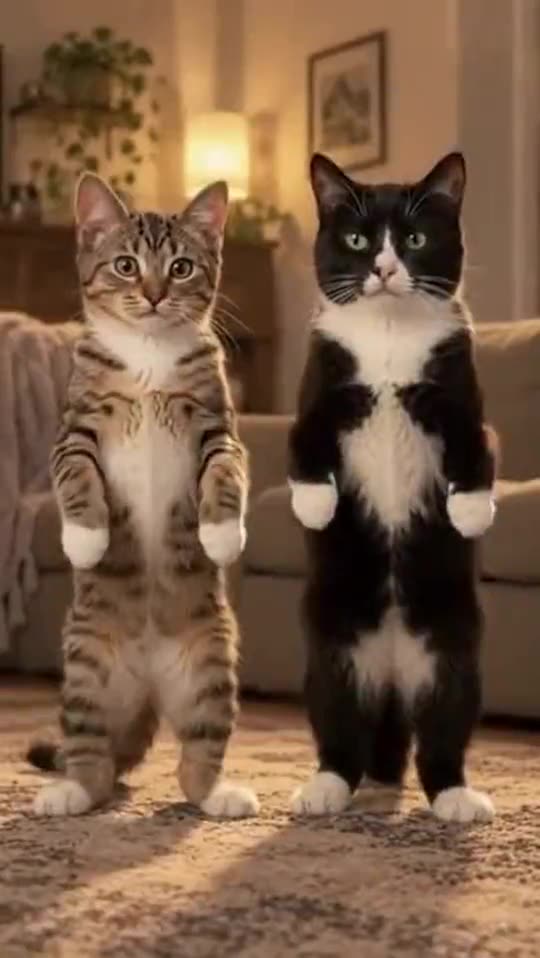
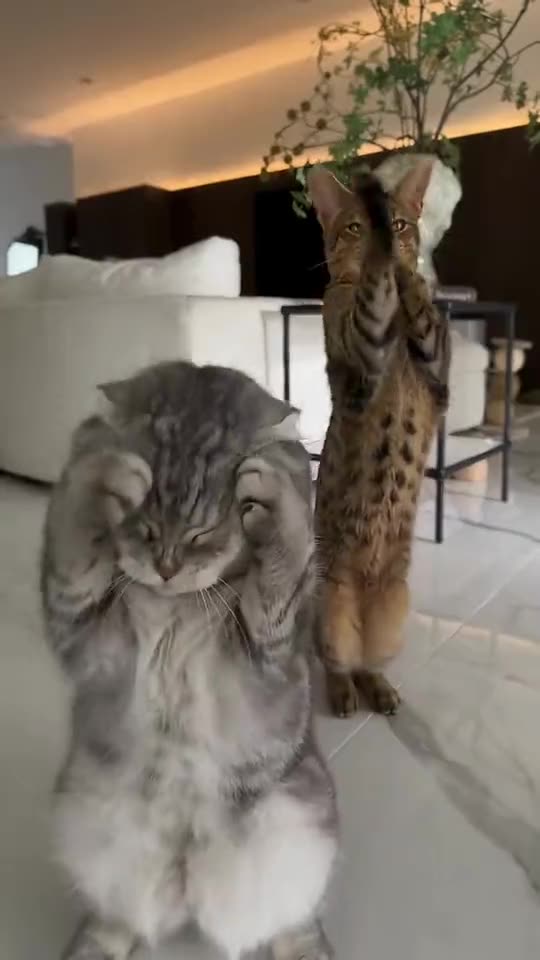
- Letzte Wochen@sebby.phin posts an AI version of the creator's own two cats doing the Babydoll dance in a living room, the reel the Pet versions copy.
Photo requirements for Babydoll Dance AI
- Human: you alone, standing, head to toes in view. The dance is all bounces and steps, so a full-body photo gives the best legs and feet. You dance in your photo's own place, in the clothes you wear…
- Pet: a sharp photo with the whole animal in view, from ears to paws. Fur colors and markings come from the photo.
- Two pets: photo 1 is the pet on the left, photo 2 the pet on the right. One pet per photo.
- Friends: photo 1 is you, in the middle; photo 2 the friend on the left; photo 3 the friend on the right. One adult per photo, the face clear, ideally head to toes. Each friend dances in the clothes…
- Good light, no sunglasses and no hat over the face.
Troubleshooting Babydoll Dance AI
- --- — ---
- A white top or blue striped flared jeans show up (Human) — The dancer in the clip wears them. The prompt bans them unless your photo has them; run it again.
- The feet slide or the legs look stiff (Human) — Use a full-body photo where you stand. With a waist-up photo, the model has to make up your legs.
- Your pet comes out with tabby stripes or green eyes (Pet) — The cat in the reel is a green-eyed tabby. Use a sharp photo where the fur is clear, then run it again.
How Babydoll Dance AI differs from common face-swap templates
RemixMeme uses a site-locked catalog prompt for Babydoll Dance AI — upload and generate; you do not paste a third-party prompt.
Usually you stay solo in your own scene with the locked choreography — not pasted into someone else’s kitchen duet.
Babies and unauthorized celebrity likenesses are out of scope — adults 18+ with photo rights only.
Caption & hashtag ideas for Babydoll Dance AI
- Trying Babydoll Dance AI
- Keep the AI label on
- Tag who has to go next
- Add the trending sound yourself
Hashtags that fit: #babydolldance · #aivideo · #remixmeme · #aidance
Keep the platform AI label on. RemixMeme does not license commercial tracks — add the trending sound yourself. Pläne: $4.99 für die erste Woche, danach $12.99/Woche · jederzeit kündbar · 720p=500 credits.
Step-by-step guide: Read the how-to tutorial
What happens beat by beat — Babydoll Dance AI
RemixMeme locks a public catalog prompt for Babydoll Dance AI. Default ~15s 9:16. Signature moves land roughly like this:
- 0–3s01
Open
Establish the Babydoll Dance AI frame from your photo(s).
- 3–11s02
Signature
dances in the place from the uploaded image, in the clothes and shoes from the uploaded image, not the whi
- 11–15s03
Close
Keep face and outfit consistent; hold or cut out.
So geht’s
- 01
1. 1 Foto hochladen
JPG / PNG / WEBP, je ≤9 MB. Klares Erwachsenengesicht frontal. Eine reicht.
- 02
2. Abo & Credits
Pläne: $4.99 für die erste Woche, danach $12.99/Woche · jederzeit kündbar. 500 Credits = 1 Ready for TikTok/Reels Video; bei Fehlern Credits zurück.
- 03
3. Generieren & downloaden
~15s 9:16 MP4. Entwurf 375 Credits; Ready for TikTok/Reels 500. Bei Fehler Credits zurück.
KI-Meme-Vorlagen: virale Trends
Insgesamt 232 Vorlagen. Foto hochladen — ein Tap. $4.99 für die erste Woche, danach $12.99/Woche · jederzeit kündbar.
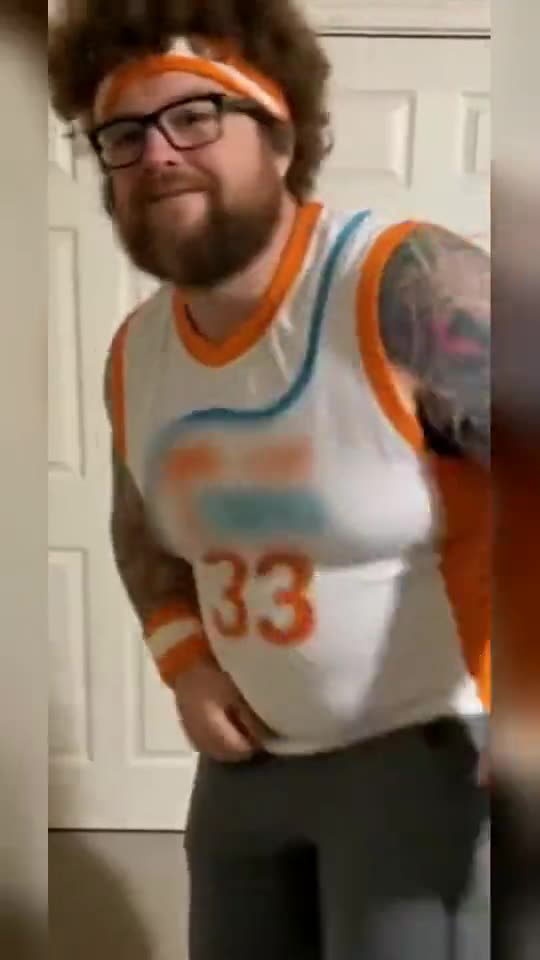
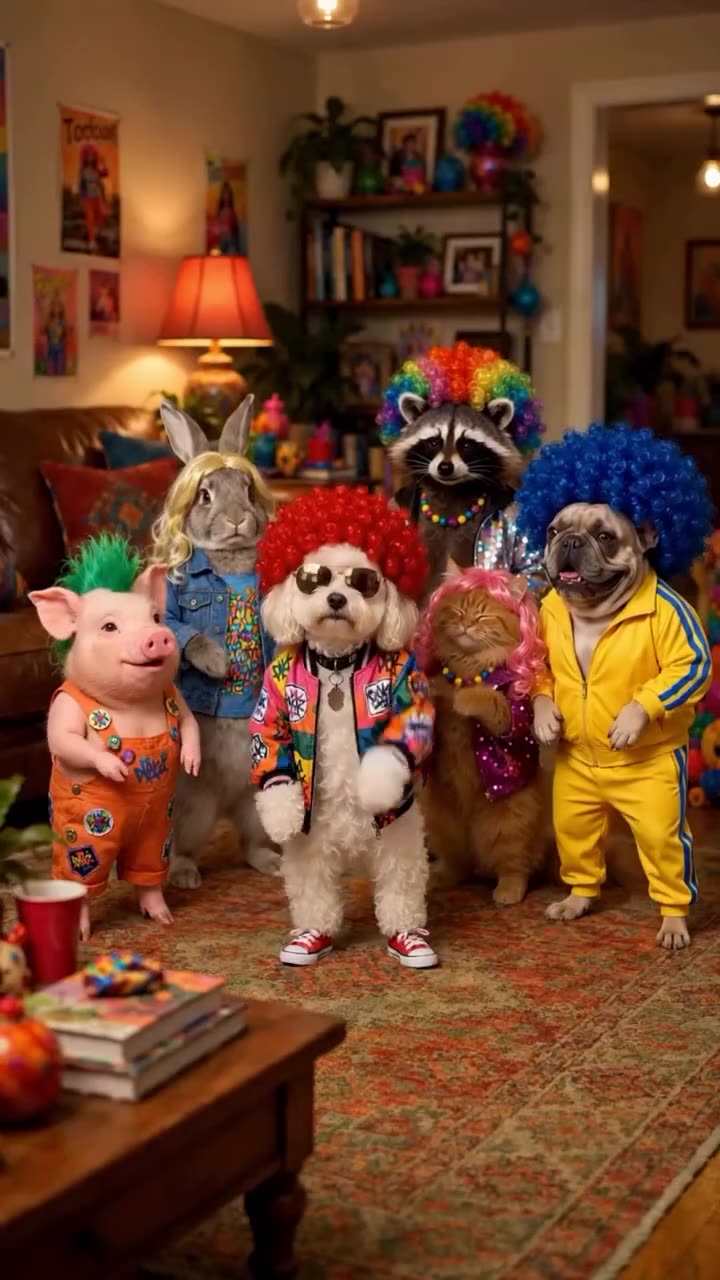
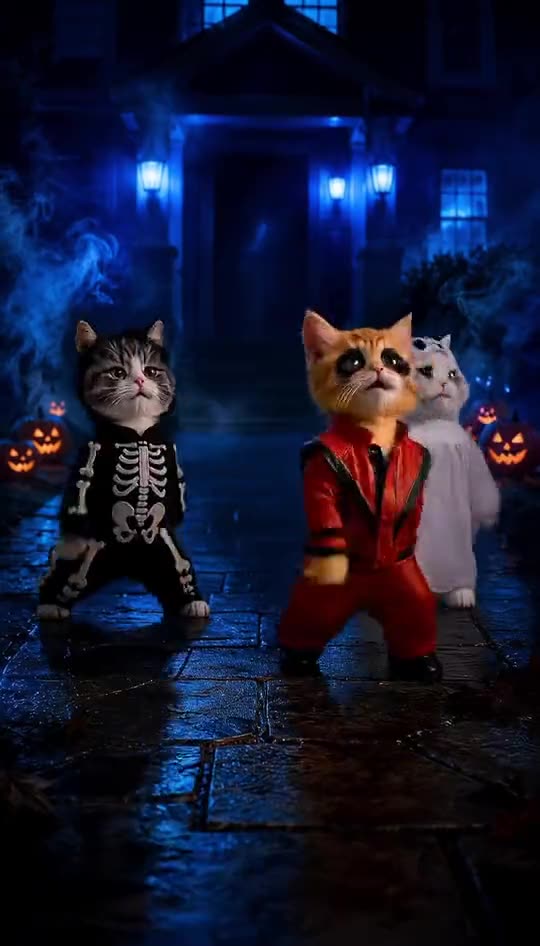
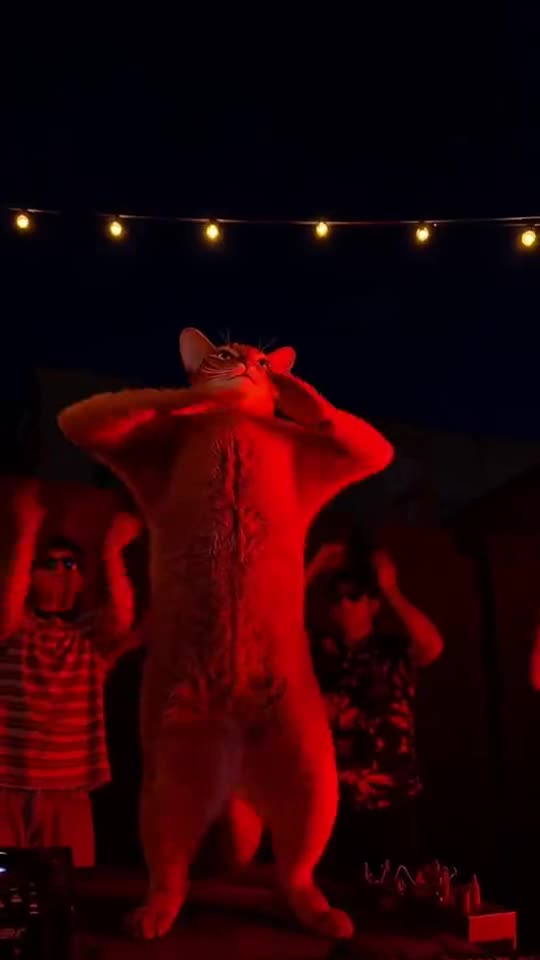
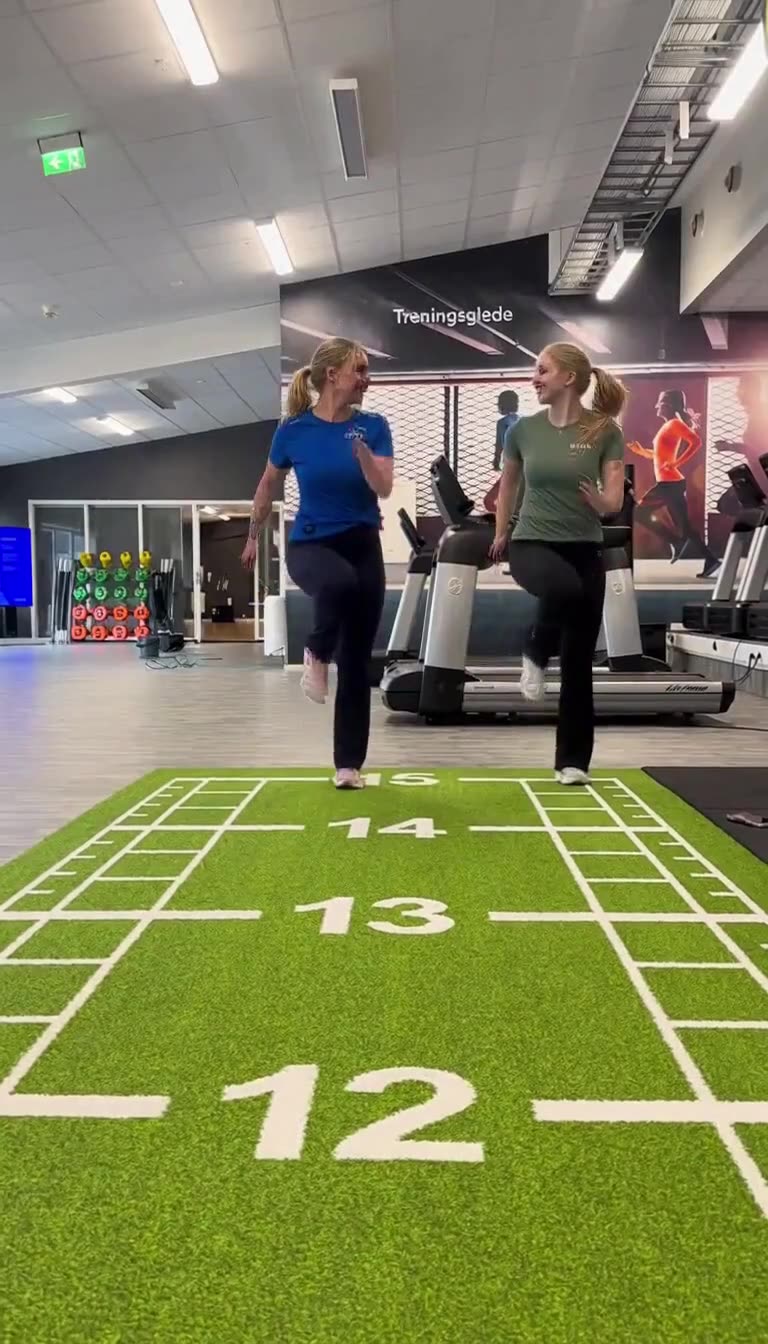
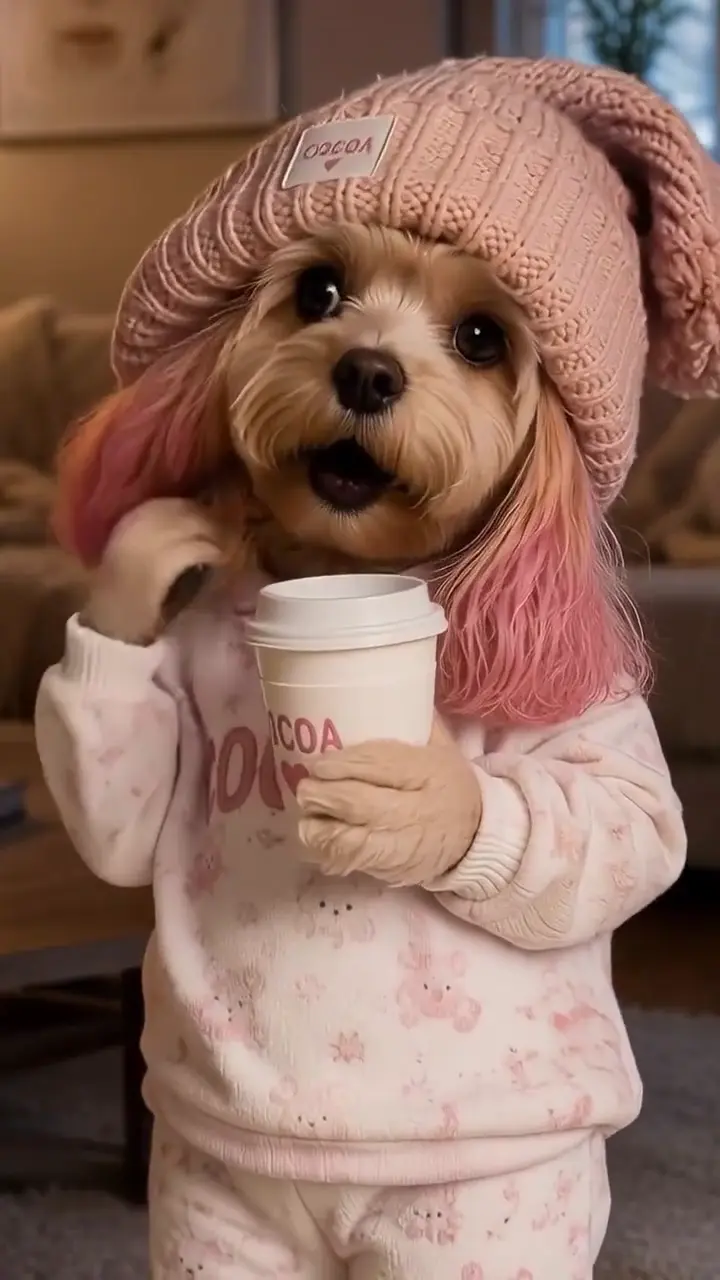
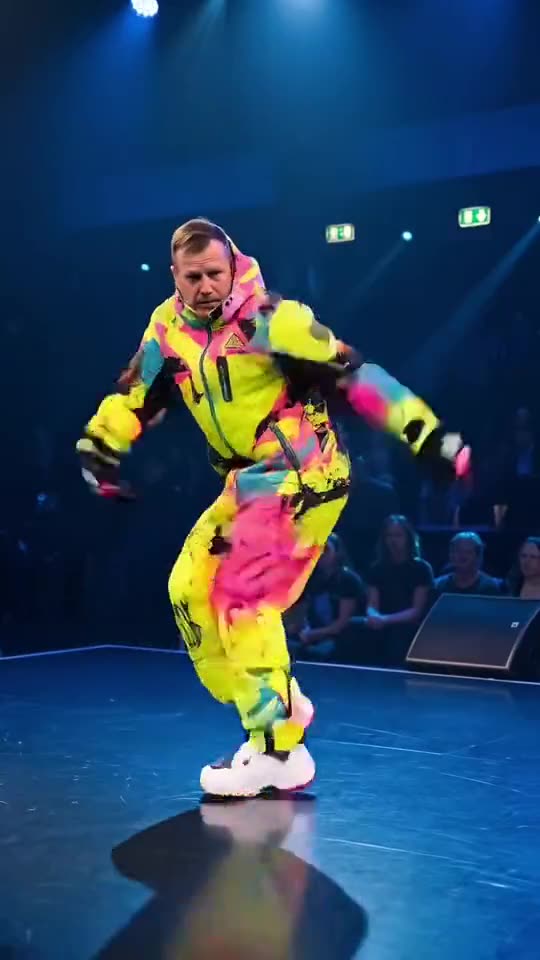
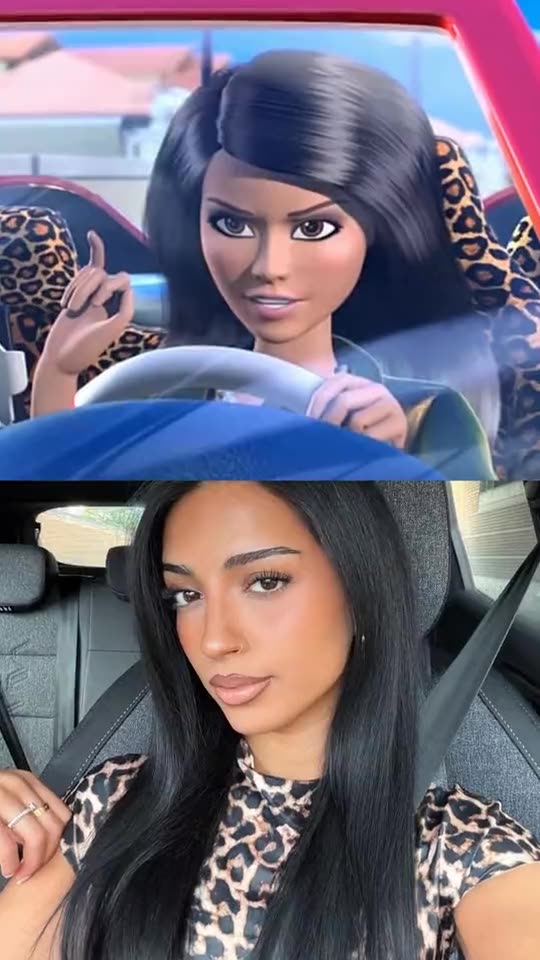
Lade 1 Foto hoch und schalte Generierung frei
$4.99 für die erste Woche, danach $12.99/Woche · jederzeit kündbar. ~15s MP4. Fehler erstatten Credits.
ErstellenWas mit deinen Fotos passiert
- 01
Upload
Vor „Erstellen“ oder Zahlung bleiben Fotos im Browser — JPG / PNG / WEBP, ≤9 MB.
- 02
Generierung
Sie gehen an unseren KI-Videoanbieter, um deinen Clip zu machen.
- 03
Zahlung
Bei Zahlung zuerst werden Fotos mit der Bestellung gespeichert, damit Generierung danach startet.
- 04
Fragen
Daten löschen oder Erstattung: Einstellungen → Support. Siehe Datenschutz und AGB.
Risiken & rechtliche Grenzen
Unabhängiges Fan-Tool. Wir hosten keine Originale als „offiziell“. Nur KI-Entertainment — bei Publish als AI kennzeichnen. Einwilligende Erwachsene 18+. Keine offiziellen Logos als Identität.
- Nicht verbunden mit Meme-Autoren, Plattformen, CapCut oder Marken. Keine offiziellen Logos. Kein offizielles CapCut-Vorlagenpaket.
- Nur Erwachsene (18+) mit Rechten / gegenseitigem Consent. Nutzer bestätigt Rechte an jedem Gesicht. Keine Kinder, Celebrities als Identität, non-consensuale Deepfakes.
- KI-Ambient / Originalton — wir verkaufen keine Lizenzen für kommerzielle Tracks. Virale Sounds in TikTok/Reels selbst hinzufügen.
Fan-Tool auf dieser Seite · 2026. Fotorrechte + Erwachsenen-Consent. CapCut / KI-Meme-App-Alternative: /vs-capcut · /alternatives.
Preise
Woche, Monat, Jahr oder Einmal-Pakete. Jederzeit kündbar.
Failed generations automatically return your credit. Renders usually take a few minutes.
Limitiertes Geschenk
$4.99 für die erste Woche, danach $12.99/Woche · jederzeit kündbar
Endet in 12:00:00
Wöchentlich
$4.99 für die erste Woche, danach $12.99/Woche · ≈1 Video · Ready for TikTok/Reels
$4.99/Woche
≈1 Videos/Woche · Ready for TikTok/Reels
jederzeit kündbar · Ready for TikTok/Reels
Monatlich Starter
$14.99 für den ersten Monat, danach $24.90/Monat · ≈3 Videos · Ready for TikTok/Reels
$14.99/Monat
≈3 Videos/Monat · Ready for TikTok/Reels
jederzeit kündbar · Ready for TikTok/Reels
Monatlich Pro
$34.99 für den ersten Monat, danach $59.90/Monat · ≈10 Videos · Ready for TikTok/Reels
$34.99/Monat
≈10 Videos/Monat · Ready for TikTok/Reels
jederzeit kündbar · Ready for TikTok/Reels
Jährlich Starter
$159 für das erste Jahr, danach $199/Jahr · ≈36 Videos · Ready for TikTok/Reels
$159/Jahr
≈36 Videos/Jahr · Ready for TikTok/Reels
jederzeit kündbar · Ready for TikTok/Reels
1× Paket
500 Credits · verfallen nicht
$11.99
≈1 Videos · Ready for TikTok/Reels
verfallen nicht · Ready for TikTok/Reels
3× Paket
1500 Credits · verfallen nicht
$29.90
≈3 Videos · Ready for TikTok/Reels
verfallen nicht · Ready for TikTok/Reels
10× Paket
5000 Credits · verfallen nicht
$69.90
≈10 Videos · Ready for TikTok/Reels
verfallen nicht · Ready for TikTok/Reels
Kein gratis Unlimited. Fehler erstatten Credits. Abo jederzeit kündbar. Einmal-Pakete verfallen nicht.
Häufige Fragen
1 Foto → ein Babydoll Dance AI-MP4 ~15s 9:16. The Babydoll dance is the bouncy two-step that took over TikTok in autumn 2026 to Jamie Miller's song "Babydoll": chugs forward, arm circles, steps out and big arm moves, done with a grin.
Babydoll Dance AI machen
Lade 1 Foto hoch. $4.99 für die erste Woche, danach $12.99/Woche · jederzeit kündbar. ~15s 9:16 MP4.
ErstellenSame studio
Verwandte Tools/ 相关工具
Weitere KI-Kurzvideo-Trends — auf dieser Site erstellen, gemeinsames Credit-Guthaben
- Zwei Fotos → ca. 15 s orangefarbenes Booth-Duo-Short
 LobbyDuoHotel Lobby AI
 - Zwei Fotos → komplettes Pier-/Dock-Sonnenuntergangsvideo (stummes MP4)
 Raindance AI
 - 1–2 Fotos → Burning-Bridges Kristalllüster-Party-Vorlage (MP4 mit Ton)
 Burning Bridges AI
 - Zwei Fotos → ca. 10–15 s White-Studio Keys + Hype-Short
 Alors on Danse AIMini-keyboard meme
 - 1–2 Fotos → Scheunen-Zehenspitzen / Wing In My Jawwdinz Tanz-Short
 Rumpelstiltskin Dance AIBarn tip-toe meme
 - 1 Foto → Streit- / Lip-Sync-Tanz Deadpan-Short
 Bad Times AIQuarrel dance short
 - 1 Auto-Foto → Venom-Goo Garage-Build-Short
 Venom Car AIGoo garage-build short
 - Selfie + optional Auto → 24-Karten Auto-Reveal-Video
 Unforgettable Car AI24 card car reveal
 - 1 Selfie → ChatGPT-Millionaire „Get a job.“ Meme-Short
 ChatGPT Millionaire AIGet a job. meme
 - 2 Fotos → Hug-in-Heaven Treppen-Wiedersehen Memorial-Short
 Hug In Heaven AIStairway reunion memorial
 - 1 Selfie → Chat GTT Lookin’ Ahh „card declined“ Meme-Short
 Chat GTT Lookin’ Ahh AIcard declined meme
 - 1 Foto → ca. 13–15 s Shan Shen Bu / Flash-Step KI-Tanz
 Shan Shen Bu AI DanceFlash Step AI
 - 1 Selfie → ca. 10 s Rakete-über-Stau Flying-Roadster-Short
 Flying Roadster AIFlying Car AI
 - 1 Gesichtsfoto → ca. 10 s Quince-Concha / Bby-Wow-Guy Meme-Short
 Bby Wow Guy AIquince concha meme
 - 1 Foto (+ optional Outfit) → ca. 15 s Tür-zu-Leder Night-Glow-up
 Devil Wears Prada AIleather street glow-up
 - 1–2 Fotos → ca. 10 s Stadion-Kiss-Cam (Umarmung → Schock → Verstecken)
 Kiss Cam AIstadium kiss-cam joke
 - 232 KI-Meme-Vorlagen · 1–2 Fotos → ca. 15 s Hochkant-MP4
 RemixMemeRemixMeme
 - 1 Foto → ca. 10 s Klingelkamera-Halloween-Prank-Short
 Cat in the Hat AIdoorbell Halloween prank
 - 1 Foto → ca. 10 s Engel-Flügel-Runway-Video mit Ton
 VS Runway AIVictoria Secret AI runway