How to Make a Shan Shen Bu AI Dance: Do the Flash Step From One Photo on RemixMeme
Shan shen bu (闪身步, also written 閃身步 or shanshenbu) is the "flash step": a sudden… Make a Shan Shen Bu AI Dance: Do the Flash Step From One Photo on…
 RemixMeme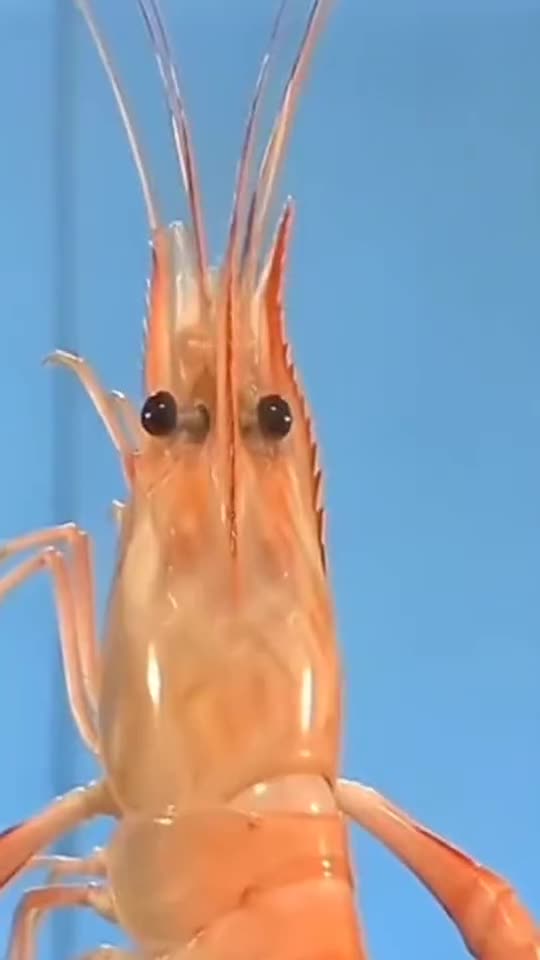
Shan Shen Bu AI Dance: Do the Flash Step From One Photo is one of the AI meme video trends you can recreate on RemixMeme. Shan shen bu (闪身步, also written 閃身步 or shanshenbu) is the "flash step": a sudden sideways dodge from a Chinese folk dance teaching video that became the meme of autumn 2026.
On RemixMeme the flow stays the same across templates: open the effect, upload, create, then download. Shan Shen Bu AI Dance: Do the Flash Step From One Photo defaults to about 15 seconds in 9:16 vertical, which is enough for a Reels or TikTok cut without a long edit session.
What you need
- One clear front-facing adult photo you own or have permission to use
- About a minute in the browser — default output is ~15s 9:16 vertical
- A RemixMeme account (signup includes 20 credits, enough for about 2 default images; video uses more credits — plans start around $9.99)
Do not upload children’s photos or faces you do not have rights to use.
Steps
- Open remixmeme.com.
- Go to the template page: /templates/shan-shen-bu-ai-dance.
- Upload your photo in the create flow.
- Confirm aspect (9:16) if offered, then press Create.
- When the job finishes, download the MP4 and post it wherever you like.
Tips
- Prefer a neutral or lightly expressive face that matches the trend energy
- Avoid heavy sunglasses, hats that hide the face, or busy group photos
- One person per frame usually maps more cleanly to the template
- Signup credits cover a couple of image gens; plan for a paid pack if you want several video renders
Related
- Make this template: /templates/shan-shen-bu-ai-dance
- More guides: /blog
- Plans & credits: /pricing
- Browse all effects: /explore
That is it — a Shan Shen Bu AI Dance: Do the Flash Step From One Photo clip from your own photo, made on RemixMeme in a few clicks.